


Ver-Mac VMS Trailer Communication Update: 4G Upgrades & VPN Changes
Keeping Your VMS Trailers Connected
At RTL, we’re committed to ensuring your traffic management equipment stays reliable and operational. We want to share a quick update about connectivity changes that may affect some VMS trailers.
DOWNLOAD OUR TOUCHSCREEN IDENTIFICATION GUIDE
What’s happening:
- 3G networks are being retired by major mobile providers. Trailers that still rely on 3G SIM cards will eventually stop connecting to the internet.
- Legacy Ver-mac VPN platform is being retired. Trailers still using older VPN setups will need to move to a public static IP SIM to stay online. This change has been tested with customers and delivers improved connectivity, fewer communication timeouts, and a more stable long-term solution.
What this means for your trailers:
- The upgrades required depend on the touchscreen installed:
- Some touchscreens may only need a VPN switch to a public static IP SIM, while others may require a new 4G modem plus VPN switch.
- Older touchscreens that cannot be upgraded to 4G will need a new touchscreen and modem, which RTL can supply and install.
We’ve put together a detailed helpful identification guide to identify touchscreen types and also a step by step guide to change over to a public static IP sim card for trailers that already have an embedded 4G modem. For more information, pricing, or technical assistance, reach out to our Service Team: https://rtl.co.nz/book-a-service
Action Required: Check Your VMS Touchscreen & Modem Type
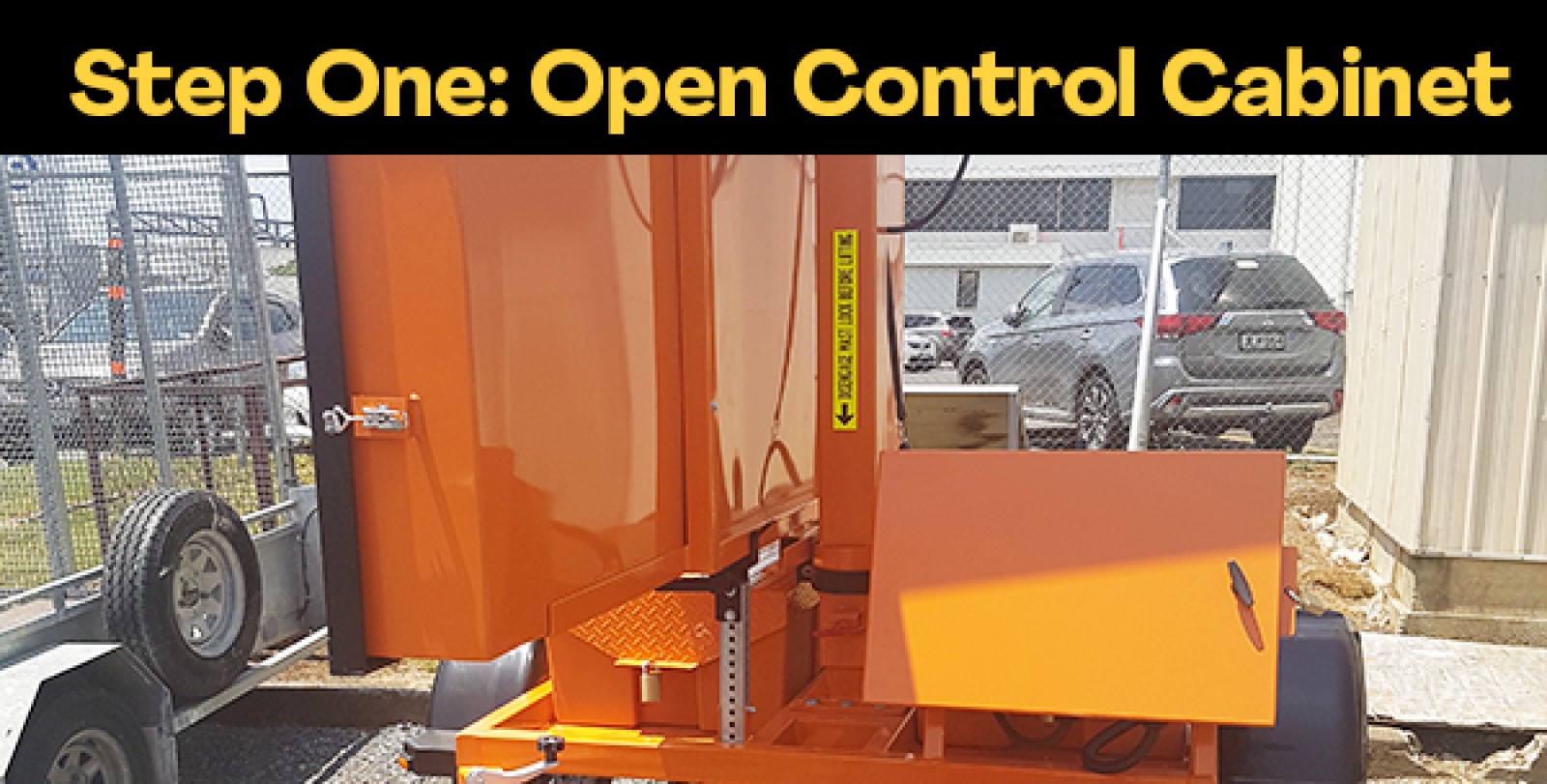
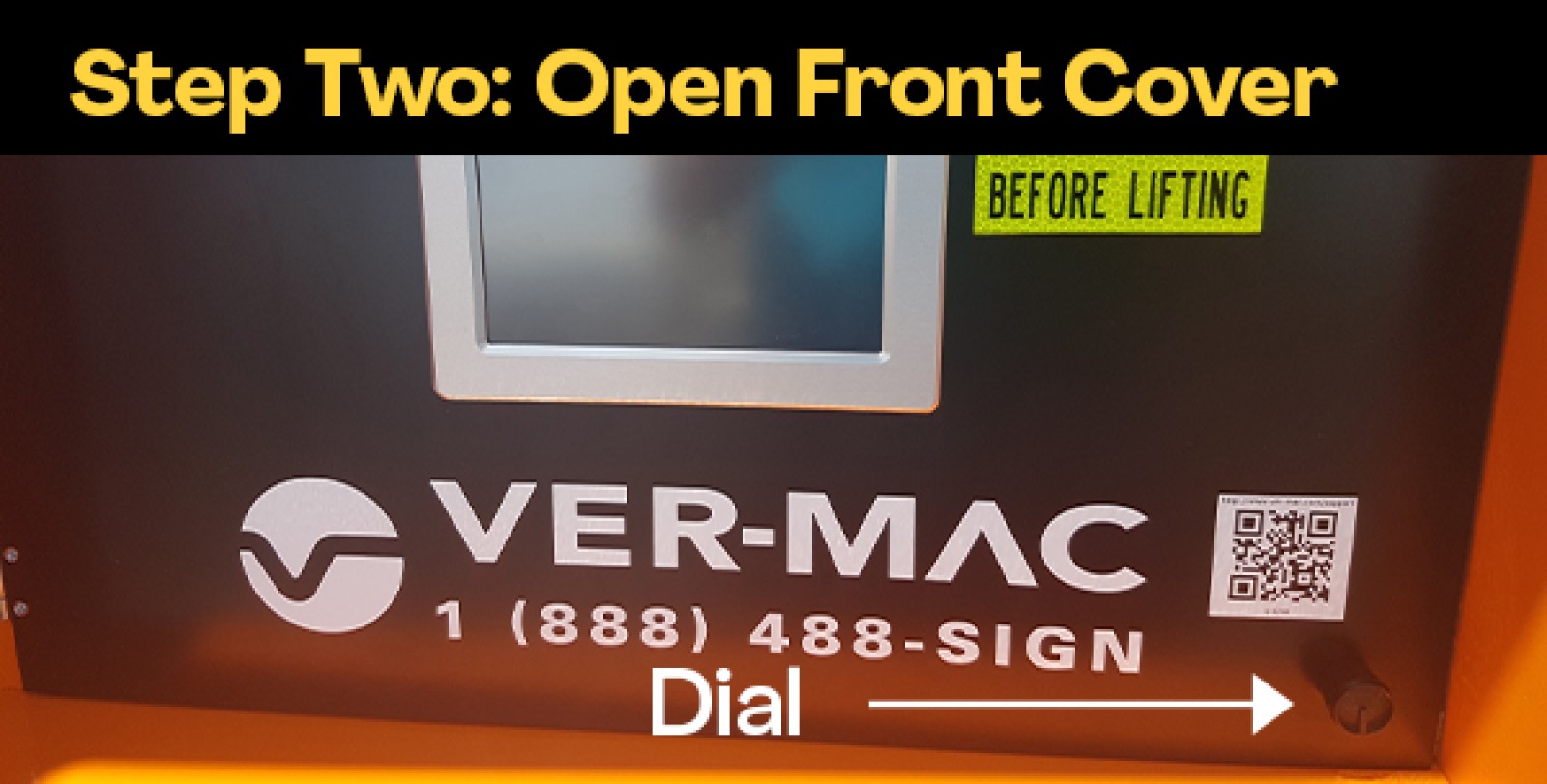
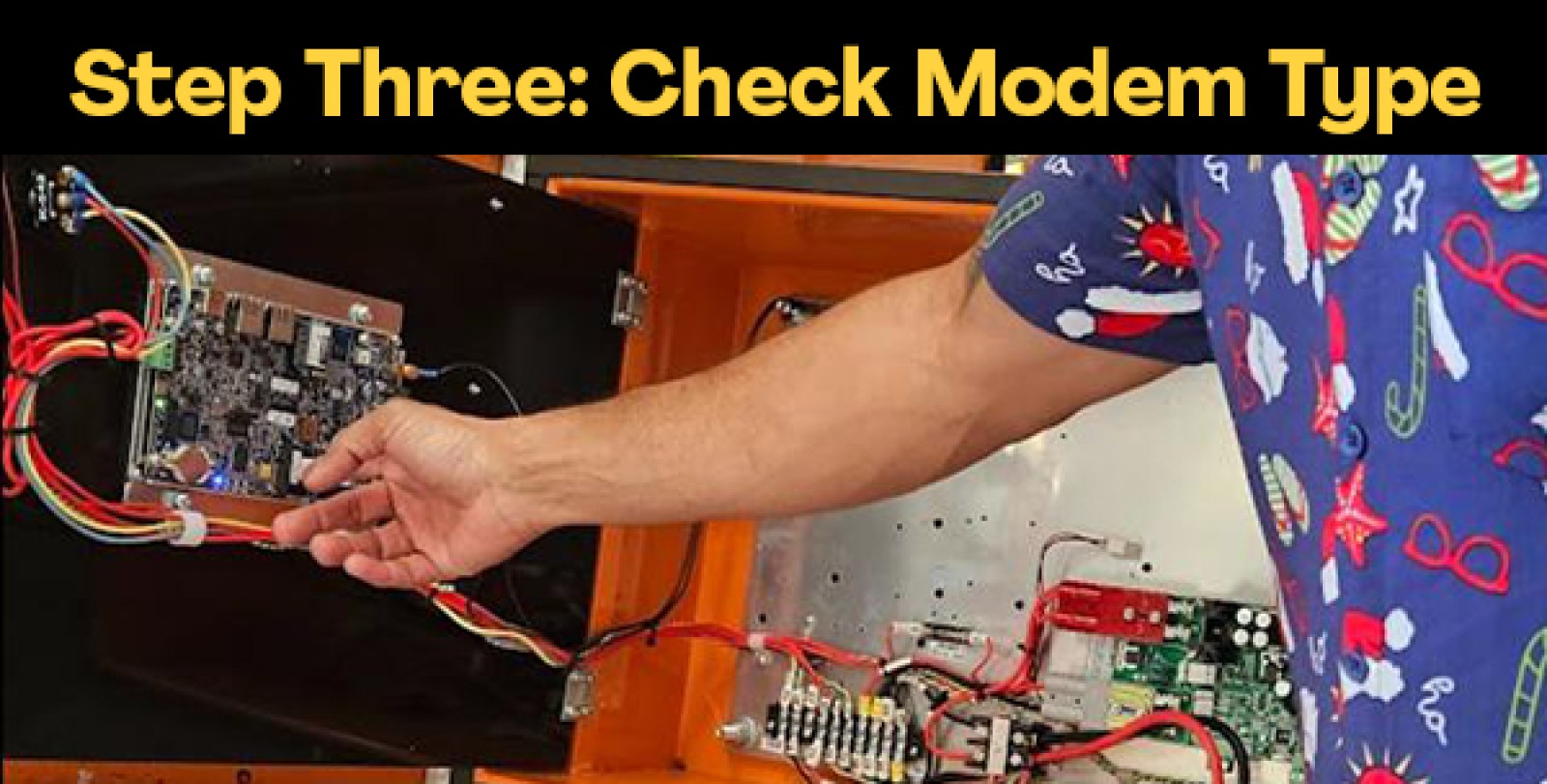
Next steps:
Our team can help assess each trailer’s touchscreen and modem type, and guide you through the right upgrade pathway.
- Open the control cabinet
- Open the front cover by turning the dial
- Take a clear, high-resolution photo of the back of the touchscreen
- Note down the VMS Serial Number and the trailer’s registration plate
- Make a submission for advice and support, using this link: Book a Service
Touchscreens and modems are in stock, but supplies are limited, so we recommend arranging upgrades sooner rather than later to avoid delays.
Please note Public Static IP SIMs are provided by your telco provider (Spark, One NZ or 2Degrees) and need a minimum of 50 MB per month.
Get in Touch with our Team Identify Your Touch Screen View Our Public static IP sim card Change Over (4G Only)
How We’ll Support You
We understand that changes to your equipment require coordination and planning. RTL is committed to making this transition as smooth as possible:
- Technical support available on Book a Service or services@rtl.co.nz
- Step-by-step guidance for SIM setup and configuration
- Verification assistance to ensure your trailer is properly connected
We look forward to partnering with you on this update and ensuring the continued reliability of your traffic management equipment.
Helpful Links
- Book a Service https://rtl.co.nz/book-a-service
- Touchscreen Identification Guide: https://rtl.co.nz/resource/rtl-ver-mac-vms-v-touch-identification-guide
- Public Static IP Changeover User Guide: https://rtl.co.nz/resource/rtl-ver-mac-vms-vpn-to-public-static-ip-user-guide
- V-Touch Retrofit Upgrade: https://rtl.co.nz/product/etvms-c021k/vms-v-touch-controller-upgrade